Building a Serverless REST API with AWS Lambda, DynamoDB & S3
 · 10 min
Building a Serverless REST API with AWS Lambda, DynamoDB & S3
Introduction
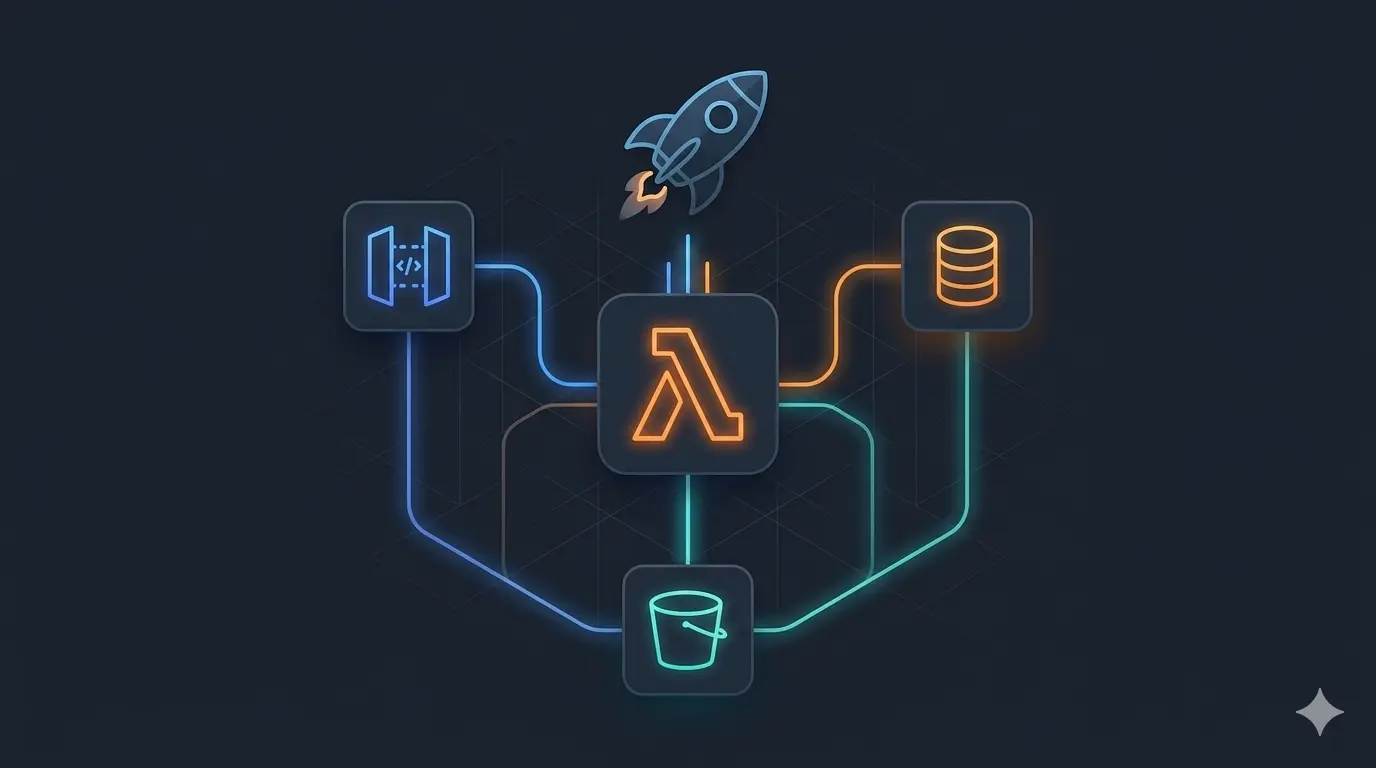
Serverless architecture lets you build and run applications without managing servers. AWS handles provisioning, scaling, and availability — you only write business logic. In this article, we walk through a concrete demo that implements a full CRUD API for a “Learning Path” resource using AWS Lambda, API Gateway, DynamoDB, and S3, all defined as code with the Serverless Framework and written in TypeScript.
Architecture Overview
                    ┌───────────────────────┐
  Client ────────>  │   API Gateway (HTTP)  │
                    └────────┬──────────────┘
                             │
              ┌──────────────┼───────────────────┐
              ▼              ▼                   ▼
        ┌──────────┐  ┌──────────┐       ┌──────────────┐
        │  Lambda  │  │  Lambda  │  ...  │    Lambda    │
        │  create  │  │   read   │       │  add media   │
        └────┬─────┘  └────┬─────┘       └───────┬──────┘
             │             │                     │
             ▼             ▼                     ▼
        ┌──────────────────────────┐     ┌───────────────┐
        │        DynamoDB          │     │      S3       │
        │   (learning-path table)  │     │ (media files) │
        └──────────────────────────┘     └───────────────┘
Each Lambda function handles a single HTTP route and is granted only the IAM permissions it needs — no shared roles, no over-privileged functions.
The API
The demo exposes a RESTful API for managing learning paths. A learning path is a simple resource with an ID, a name, and an optional media file reference.
| Method | Path | Lambda | Description |
|---|---|---|---|
POST |
/learning-path |
create |
Create a new learning path |
GET |
/learning-path/{id} |
read |
Retrieve a learning path by ID |
PUT |
/learning-path/{id} |
update |
Update a learning path |
DELETE |
/learning-path/{id} |
delete |
Delete a learning path and its media |
POST |
/learning-path/{id}/media |
addMedia |
Upload a media file to a learning path |
Project Structure
demo/
├── src/
│   ├── api/
│   │   └── learning-path/
│   │       ├── post.ts       (create handler)
│   │       ├── get.ts        (read handler)
│   │       ├── put.ts        (update handler)
│   │       ├── delete.ts     (delete handler)
│   │       └── media/
│   │           └── post.ts   (addMedia handler)
│   └── service/
│       └── learningPath.ts   (business logic)
├── serverless.yml            (infrastructure-as-code)
├── tsconfig.json
└── package.json
Handlers are thin: they extract input from the API Gateway event and delegate to LearningPathService. All business logic lives in the service layer.
Infrastructure as Code: serverless.yml
The entire AWS infrastructure is described in a single serverless.yml file. No clicking through the AWS Console — everything is version-controlled and reproducible.
Provider
provider:
  name: aws
  runtime: nodejs14.x
  region: eu-west-1
Functions
Each function declares its own trigger and IAM permissions:
functions:
  create:
    handler: src/api/learning-path/post.handler
    events:
      - http:
          method: POST
          path: /learning-path
    iamRoleStatements:
      - Effect: Allow
        Action: dynamodb:PutItem
        Resource: !GetAtt LearningPathTable.Arn

  addMedia:
    handler: src/api/learning-path/media/post.handler
    events:
      - http:
          method: POST
          path: /learning-path/{id}/media
    iamRoleStatements:
      - Effect: Allow
        Action:
          - dynamodb:GetItem
          - dynamodb:PutItem
        Resource: !GetAtt LearningPathTable.Arn
      - Effect: Allow
        Action: s3:PutObject
        Resource: !Sub "arn:aws:s3:::learning-path-media/*"
This is least-privilege IAM: the read function can only call GetItem, the delete function can only call DeleteItem and s3:DeleteObject, etc.
Resources
DynamoDB table and S3 bucket are declared in the same file:
resources:
  Resources:
    LearningPathTable:
      Type: AWS::DynamoDB::Table
      Properties:
        TableName: learning-path
        AttributeDefinitions:
          - AttributeName: id
            AttributeType: S
        KeySchema:
          - AttributeName: id
            KeyType: HASH
        BillingMode: PAY_PER_REQUEST

    MediaBucket:
      Type: AWS::S3::Bucket
      Properties:
        BucketName: learning-path-media
        PublicAccessBlockConfiguration:
          BlockPublicAcls: true
          BlockPublicPolicy: true
          IgnorePublicAcls: true
          RestrictPublicBuckets: true
PAY_PER_REQUEST billing means you pay per DynamoDB operation — no capacity planning, no idle costs.
The Service Layer
LearningPathService encapsulates all interactions with AWS services:
// src/service/learningPath.ts
export class LearningPathService {
  private dynamo: DynamoDB.DocumentClient;
  private s3: S3;

  async post(data: object): Promise<LearningPath> {
    const item = { id: uuidv4(), ...data };
    await this.dynamo.put({ TableName: "learning-path", Item: item }).promise();
    return item;
  }

  async get(id: string): Promise<LearningPath> {
    const result = await this.dynamo.get({ TableName: "learning-path", Key: { id } }).promise();
    if (!result.Item) throw { statusCode: 404, message: "Not found" };
    return result.Item as LearningPath;
  }

  async addMedia(id: string, media: string): Promise<void> {
    const learningPath = await this.get(id);
    const mediaId = uuidv4();

    await this.s3.putObject({
      Bucket: "learning-path-media",
      Key: mediaId,
      Body: Buffer.from(media, "base64"),
      ContentType: "image/png",
    }).promise();

    await this.dynamo.put({
      TableName: "learning-path",
      Item: { ...learningPath, mediaId },
    }).promise();
  }

  async delete(id: string): Promise<void> {
    const learningPath = await this.get(id);

    if (learningPath.mediaId) {
      await this.s3.deleteObject({
        Bucket: "learning-path-media",
        Key: learningPath.mediaId,
      }).promise();
    }

    await this.dynamo.delete({ TableName: "learning-path", Key: { id } }).promise();
  }
}
Deleting a learning path also cleans up its associated S3 object — data integrity is enforced at the application level since DynamoDB has no foreign key constraints.
Handlers
Handlers are kept minimal — extract input, call service, return response:
// src/api/learning-path/get.ts
export const handler = async (event: APIGatewayEvent): Promise<APIGatewayProxyResult> => {
  const service = new LearningPathService();
  const learningPath = await service.get(event.pathParameters!.id!);

  return {
    statusCode: 200,
    body: JSON.stringify(learningPath),
  };
};
CI/CD: GitHub Actions
A GitHub Actions workflow automates deployment on every push, using OIDC federation between GitHub and AWS (no long-lived secrets stored in GitHub):
# .github/workflows/aws-deploy.yml
jobs:
  deploy:
    steps:
      - uses: actions/checkout@v2
      - uses: aws-actions/configure-aws-credentials@v1
        with:
          role-to-assume: arn:aws:iam::ACCOUNT_ID:role/github-actions-role
          aws-region: eu-west-1
      - run: npm install
      - run: npx serverless deploy
OIDC federation means GitHub Actions assumes an IAM role temporarily — no access keys, no secret rotation needed.
Local Development
The Serverless Framework supports local testing without deploying to AWS:
# Install dependencies
npm install

# Run API locally (emulates API Gateway + Lambda)
npx serverless offline

# Run with local DynamoDB
npx serverless offline --dynamoDbPort 8000
The serverless-offline plugin emulates API Gateway locally. The serverless-dynamodb-local plugin runs a local DynamoDB instance in a Docker container.
Key Patterns Illustrated
| Pattern | Implementation |
|---|---|
| Serverless compute | AWS Lambda — no servers to manage |
| Infrastructure as Code | All resources defined in serverless.yml |
| Least-privilege IAM | serverless-iam-roles-per-function plugin |
| Pay-per-use storage | DynamoDB PAY_PER_REQUEST billing |
| Media management | S3 for binary objects, DynamoDB for metadata reference |
| OIDC-based CI/CD | GitHub → AWS without long-lived credentials |
| Type safety | TypeScript + @types/aws-lambda throughout |
Deploying
# Install Serverless CLI
npm i -g serverless

# Configure AWS credentials
aws configure

# Install project dependencies
npm install

# Deploy to AWS (eu-west-1)
serverless deploy

# Remove all resources
serverless remove
After deployment, Serverless prints the API Gateway endpoint URLs:
endpoints:
  POST - https://abc123.execute-api.eu-west-1.amazonaws.com/dev/learning-path
  GET  - https://abc123.execute-api.eu-west-1.amazonaws.com/dev/learning-path/{id}
  ...
Conclusion
This demo shows how much you can build with very little infrastructure code. The key takeaways:
- The Serverless Framework lets you define Lambda functions, API Gateway routes, DynamoDB tables, and S3 buckets in a single YAML file — no manual AWS Console setup
- Per-function IAM roles enforce the principle of least privilege at the function level, limiting blast radius if a function is compromised
- DynamoDB on-demand billing removes capacity planning entirely — pay only for what you use
- S3 and DynamoDB complement each other: DynamoDB stores structured metadata, S3 stores binary objects; the application manages the relationship
- OIDC federation for CI/CD eliminates the need to store long-lived AWS credentials as secrets
- TypeScript brings type safety to Lambda handlers and service code, catching errors at compile time rather than at runtime in production