Building a Serverless REST API with AWS Lambda, DynamoDB & S3
 · 10 min
Introduction
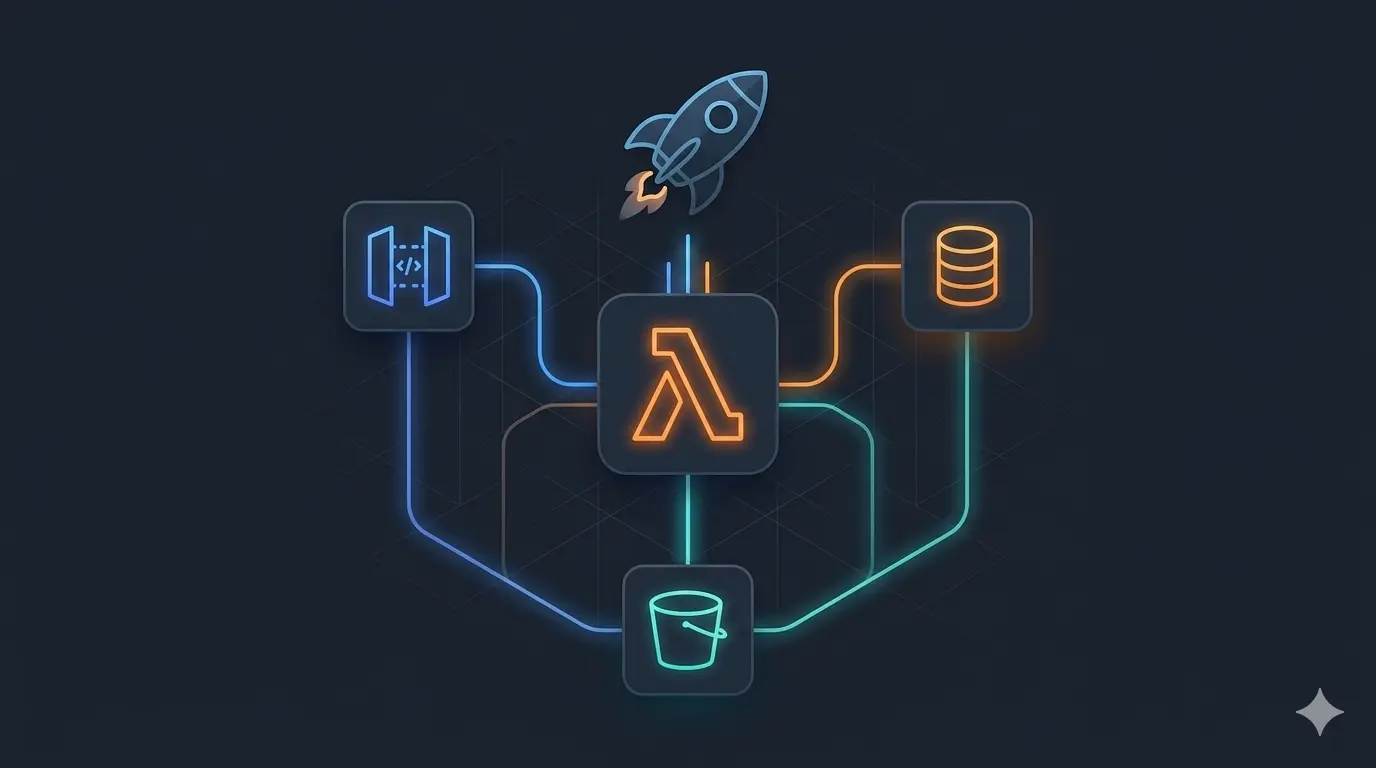
Serverless architecture lets you build and run applications without managing servers. AWS handles provisioning, scaling, and availability. You only write business logic. In this article, we walk through a concrete demo that implements a full CRUD API for a “Learning Path” resource using AWS Lambda, API Gateway, DynamoDB, and S3, all defined as code with the Serverless Framework and written in TypeScript.
Architecture Overview
                    ┌───────────────────────┐
  Client ────────>  │   API Gateway (HTTP)  │
                    └────────┬──────────────┘
                             │
              ┌──────────────┼───────────────────┐
              ▼              ▼                   ▼
        ┌──────────┐  ┌──────────┐       ┌──────────────┐
        │  Lambda  │  │  Lambda  │  ...  │    Lambda    │
        │  create  │  │   read   │       │  add media   │
        └────┬─────┘  └────┬─────┘       └───────┬──────┘
             │             │                     │
             ▼             ▼                     ▼
        ┌──────────────────────────┐     ┌───────────────┐
        │        DynamoDB          │     │      S3       │
        │   (learning-path table)  │     │ (media files) │
        └──────────────────────────┘     └───────────────┘
Each Lambda function handles a single HTTP route and is granted only the IAM permissions it needs, no shared roles, no over-privileged functions.
The API
The demo exposes a RESTful API for managing learning paths. A learning path is a simple resource with an ID, a name, and an optional media file reference.
| Method | Path | Lambda | Description |
|---|---|---|---|
POST |
/learning-path |
create |
Create a new learning path |
GET |
/learning-path/{id} |
read |
Retrieve a learning path by ID |
PUT |
/learning-path/{id} |
update |
Update a learning path |
DELETE |
/learning-path/{id} |
delete |
Delete a learning path and its media |
POST |
/learning-path/{id}/media |
addMedia |
Upload a media file to a learning path |
Project Structure
demo/
├── src/
│   ├── api/
│   │   └── learning-path/
│   │       ├── post.ts       (create handler)
│   │       ├── get.ts        (read handler)
│   │       ├── put.ts        (update handler)
│   │       ├── delete.ts     (delete handler)
│   │       └── media/
│   │           └── post.ts   (addMedia handler)
│   └── service/
│       └── learningPath.ts   (business logic)
├── serverless.yml            (infrastructure-as-code)
├── tsconfig.json
└── package.json
Handlers are thin: they extract input from the API Gateway event and delegate to LearningPathService. All business logic lives in the service layer.
Infrastructure as Code: serverless.yml
The entire AWS infrastructure is described in a single serverless.yml file. No clicking through the AWS Console, everything is version-controlled and reproducible.
Provider
provider:
  name: aws
  runtime: nodejs14.x
  region: eu-west-1
Functions
Each function declares its own trigger and IAM permissions:
functions:
  create:
    handler: src/api/learning-path/post.handler
    events:
      - http:
          method: POST
          path: /learning-path
    iamRoleStatements:
      - Effect: Allow
        Action: dynamodb:PutItem
        Resource: !GetAtt LearningPathTable.Arn

  addMedia:
    handler: src/api/learning-path/media/post.handler
    events:
      - http:
          method: POST
          path: /learning-path/{id}/media
    iamRoleStatements:
      - Effect: Allow
        Action:
          - dynamodb:GetItem
          - dynamodb:PutItem
        Resource: !GetAtt LearningPathTable.Arn
      - Effect: Allow
        Action: s3:PutObject
        Resource: !Sub "arn:aws:s3:::learning-path-media/*"
This is least-privilege IAM: the read function can only call GetItem, the delete function can only call DeleteItem and s3:DeleteObject, etc.
Resources
DynamoDB table and S3 bucket are declared in the same file:
resources:
  Resources:
    LearningPathTable:
      Type: AWS::DynamoDB::Table
      Properties:
        TableName: learning-path
        AttributeDefinitions:
          - AttributeName: id
            AttributeType: S
        KeySchema:
          - AttributeName: id
            KeyType: HASH
        BillingMode: PAY_PER_REQUEST

    MediaBucket:
      Type: AWS::S3::Bucket
      Properties:
        BucketName: learning-path-media
        PublicAccessBlockConfiguration:
          BlockPublicAcls: true
          BlockPublicPolicy: true
          IgnorePublicAcls: true
          RestrictPublicBuckets: true
PAY_PER_REQUEST billing means you pay per DynamoDB operation, no capacity planning, no idle costs.
The Service Layer
LearningPathService encapsulates all interactions with AWS services:
// src/service/learningPath.ts
export class LearningPathService {
  private dynamo: DynamoDB.DocumentClient;
  private s3: S3;

  async post(data: object): Promise<LearningPath> {
    const item = { id: uuidv4(), ...data };
    await this.dynamo.put({ TableName: "learning-path", Item: item }).promise();
    return item;
  }

  async get(id: string): Promise<LearningPath> {
    const result = await this.dynamo.get({ TableName: "learning-path", Key: { id } }).promise();
    if (!result.Item) throw { statusCode: 404, message: "Not found" };
    return result.Item as LearningPath;
  }

  async addMedia(id: string, media: string): Promise<void> {
    const learningPath = await this.get(id);
    const mediaId = uuidv4();

    await this.s3.putObject({
      Bucket: "learning-path-media",
      Key: mediaId,
      Body: Buffer.from(media, "base64"),
      ContentType: "image/png",
    }).promise();

    await this.dynamo.put({
      TableName: "learning-path",
      Item: { ...learningPath, mediaId },
    }).promise();
  }

  async delete(id: string): Promise<void> {
    const learningPath = await this.get(id);

    if (learningPath.mediaId) {
      await this.s3.deleteObject({
        Bucket: "learning-path-media",
        Key: learningPath.mediaId,
      }).promise();
    }

    await this.dynamo.delete({ TableName: "learning-path", Key: { id } }).promise();
  }
}
Deleting a learning path also cleans up its associated S3 object, data integrity is enforced at the application level since DynamoDB has no foreign key constraints.
Handlers
Handlers are kept minimal, extract input, call service, return response:
// src/api/learning-path/get.ts
export const handler = async (event: APIGatewayEvent): Promise<APIGatewayProxyResult> => {
  const service = new LearningPathService();
  const learningPath = await service.get(event.pathParameters!.id!);

  return {
    statusCode: 200,
    body: JSON.stringify(learningPath),
  };
};
CI/CD: GitHub Actions
A GitHub Actions workflow automates deployment on every push, using OIDC federation between GitHub and AWS (no long-lived secrets stored in GitHub):
# .github/workflows/aws-deploy.yml
jobs:
  deploy:
    steps:
      - uses: actions/checkout@v2
      - uses: aws-actions/configure-aws-credentials@v1
        with:
          role-to-assume: arn:aws:iam::ACCOUNT_ID:role/github-actions-role
          aws-region: eu-west-1
      - run: npm install
      - run: npx serverless deploy
OIDC federation means GitHub Actions assumes an IAM role temporarily, no access keys, no secret rotation needed.
Local Development
The Serverless Framework supports local testing without deploying to AWS:
# Install dependencies
npm install

# Run API locally (emulates API Gateway + Lambda)
npx serverless offline

# Run with local DynamoDB
npx serverless offline --dynamoDbPort 8000
The serverless-offline plugin emulates API Gateway locally. The serverless-dynamodb-local plugin runs a local DynamoDB instance in a Docker container.
Key Patterns Illustrated
| Pattern | Implementation |
|---|---|
| Serverless compute | AWS Lambda, no servers to manage |
| Infrastructure as Code | All resources defined in serverless.yml |
| Least-privilege IAM | serverless-iam-roles-per-function plugin |
| Pay-per-use storage | DynamoDB PAY_PER_REQUEST billing |
| Media management | S3 for binary objects, DynamoDB for metadata reference |
| OIDC-based CI/CD | GitHub → AWS without long-lived credentials |
| Type safety | TypeScript + @types/aws-lambda throughout |
Deploying
# Install Serverless CLI
npm i -g serverless

# Configure AWS credentials
aws configure

# Install project dependencies
npm install

# Deploy to AWS (eu-west-1)
serverless deploy

# Remove all resources
serverless remove
After deployment, Serverless prints the API Gateway endpoint URLs:
endpoints:
  POST - https://abc123.execute-api.eu-west-1.amazonaws.com/dev/learning-path
  GET  - https://abc123.execute-api.eu-west-1.amazonaws.com/dev/learning-path/{id}
  ...
Conclusion
This demo shows how much you can build with very little infrastructure code. The key takeaways:
- The Serverless Framework lets you define Lambda functions, API Gateway routes, DynamoDB tables, and S3 buckets in a single YAML file, no manual AWS Console setup
- Per-function IAM roles enforce the principle of least privilege at the function level, limiting blast radius if a function is compromised
- DynamoDB on-demand billing removes capacity planning entirely, pay only for what you use
- S3 and DynamoDB complement each other: DynamoDB stores structured metadata, S3 stores binary objects; the application manages the relationship
- OIDC federation for CI/CD eliminates the need to store long-lived AWS credentials as secrets
- TypeScript brings type safety to Lambda handlers and service code, catching errors at compile time rather than at runtime in production